
IT Support in Murrysville, PA: A 5-Step Onboarding Process
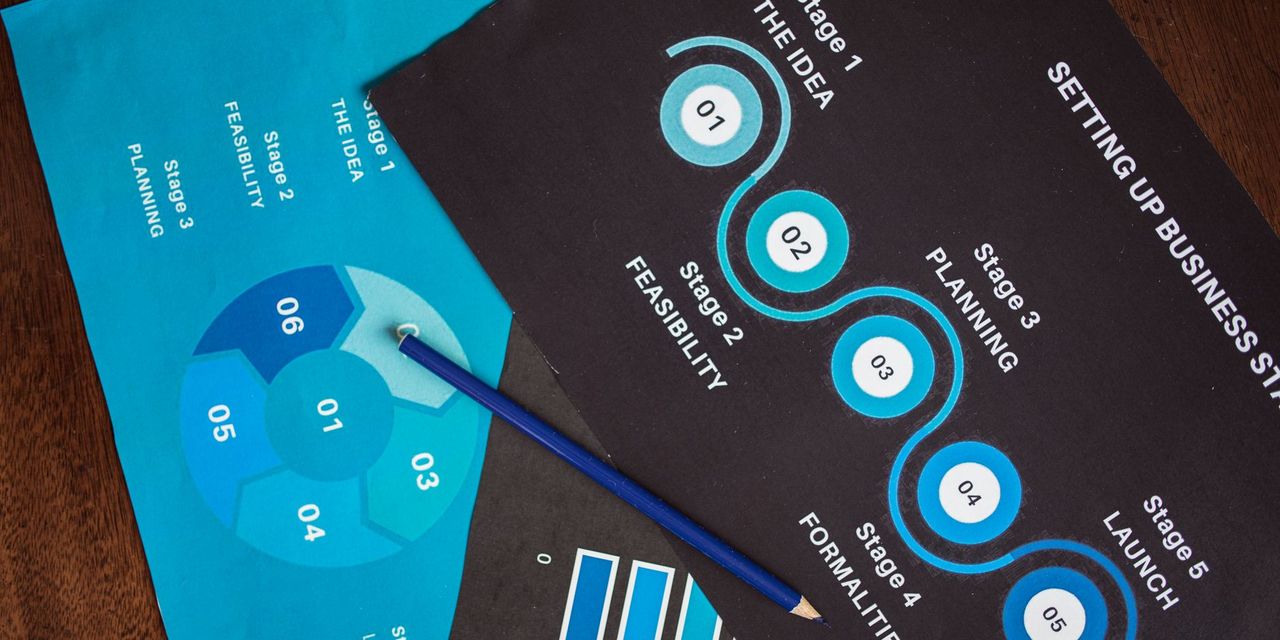
If your Murrysville business is stuck between a break-fix vendor that only shows up when something is on fire and a national help desk that does not know your team, this page is for you. The five-step process below is how we deliver IT support in Murrysville, PA for companies along the Route 22 corridor, from Export and Delmont to Monroeville and Export Road industrial parks. It is designed to stabilize what is fragile, secure what is exposed, and only then start optimizing.
Most IT problems in Murrysville businesses are not caused by bad technology; they are caused by good technology that was never finished being deployed.
We work with organizations between roughly 15 and 250 employees, and the process is the same whether you are a manufacturer in the Westmoreland Technology Park, a medical group off Old William Penn Highway, or a professional services firm sharing a building in downtown Murrysville.
Who this IT support in Murrysville is for
This is a fit if you are a small or mid-market employer in Murrysville, Export, Delmont, Level Green, Trafford, or the surrounding Westmoreland and eastern Allegheny County communities, and you need a single accountable partner rather than a rotating cast of contractors. It is a particularly strong fit for regulated environments: medical and dental practices bound by HIPAA, defense-adjacent manufacturers moving toward CMMC Level 2 and DFARS 7012, and financial or professional firms working under SOC 2 or NIST-aligned compliance obligations. If you are purely looking for the cheapest hourly rate in the region, we are not the right call.

Step 1: Discovery and risk assessment
Before we quote anything, we run a structured assessment of your environment. That means an inventory of endpoints, servers, network gear, and SaaS; a review of your Microsoft 365 or Google Workspace tenant; a look at backup history and restore evidence; and a gap analysis against the frameworks that apply to you. For a Murrysville manufacturer with a Department of Defense customer, that gap analysis is scoped to CUI handling. For a medical practice, it is scoped to HIPAA Security Rule controls.
- Network and endpoint inventory
- Identity and Microsoft 365 tenant review
- Backup and disaster recovery validation
- Compliance gap analysis (HIPAA, CMMC, SOC 2, NIST CSF)
Step 2: Stabilize security and backups
TL;DR: We fix the security and backup basics before touching anything else, because everything downstream depends on them.
The single most common finding when we onboard a new Murrysville client is that cybersecurity controls look complete on paper but have quiet gaps in practice: MFA that skips a shared mailbox, an EDR agent that stopped reporting in August, a backup job that has been failing silently for months. Step two closes those gaps first. We deploy modern EDR and MDR coverage across every endpoint and server, enforce conditional access and MFA on every identity, verify immutable backups with an actual test restore, and document the ransomware playbook so your leadership team knows exactly who does what in the first sixty minutes of an incident.
Step 3: Migrate to a managed baseline
Once the environment is safe, we bring it onto our standard managed baseline. That includes managed IT fundamentals like 24/7 monitoring, RMM-driven patch management, and a US-based help desk your users can reach by phone, email, or chat. It also includes cloud hygiene: consolidating tenants, cleaning up licensing, and getting your team on a supported Microsoft 365 footprint with proper data loss prevention and Microsoft Purview labeling where sensitive data lives.
- 24/7 monitoring and alerting
- Patch management and vulnerability remediation
- Named help desk pod with Pittsburgh-region on-site dispatch
- Documentation and knowledge base your team can actually read
Step 4: Build a 12-month roadmap with a vCIO
Reactive support keeps the lights on. A roadmap makes IT a business asset. In step four your assigned vCIO sits down with ownership or the leadership team once a quarter to review budget, risk, project pipeline, and technology strategy. For a Murrysville client this typically covers hardware refresh cycles, cyber insurance renewal evidence, staff growth plans, and any pending compliance milestone, whether that is a HIPAA risk analysis or a CMMC Level 2 assessment window.
A technology roadmap is worth more than a discount on hourly labor, because it prevents the emergencies that create the labor in the first place.

Step 5: Layer in AI where it pays back
Only after the first four steps are stable do we recommend investing in AI. Our AI advisory practice starts with a Copilot readiness assessment: is your Microsoft 365 data governed well enough that Copilot will not surface things it should not, and do you have an acceptable-use policy your staff has actually read? From there we help clients pick between packaged tools like Microsoft 365 Copilot and Azure OpenAI, targeted AI workflow automation for document-heavy processes such as quoting, intake, and claims, and, when the ROI justifies it, a custom AI application built on your own data.
This is where our IT support in Murrysville tends to look different from other regional providers: the same team that runs your help desk understands your data model well enough to build against it.
Next steps
If you want to see what steps one and two would surface in your environment, the fastest path is a 20-minute scoping call. We will confirm you are inside our 75-mile Pittsburgh service radius, ask a handful of questions about your stack and compliance posture, and either book a discovery or point you somewhere better suited.
Call 724.888.7007 or send a note through the contact form and ask for a Murrysville scoping call.
Related reading
September Windows Server Updates Are Breaking Remote Desktop
September 2026 Windows Server updates are reportedly breaking Remote Desktop Services on 2019, 2022 and 2025. Here is what Pittsburgh SMBs should verify now.

22,000 Exchange Servers Still Exposed: What Pittsburgh SMBs Should Do
Nearly 22,000 unpatched Exchange servers face a mailbox-hijacking auth bypass. What Pittsburgh SMBs running hybrid Exchange should check and fix this week.

IT Support for CPA and Accounting Firms in Pittsburgh
How a Pittsburgh CPA firm hardened Lacerte, UltraTax CS, and CCH ProSystem fx for GLBA and IRS Publication 4557, with 24/7 tax-season support from PGH Networks.