
September Windows Server Updates Are Breaking Remote Desktop
What happened
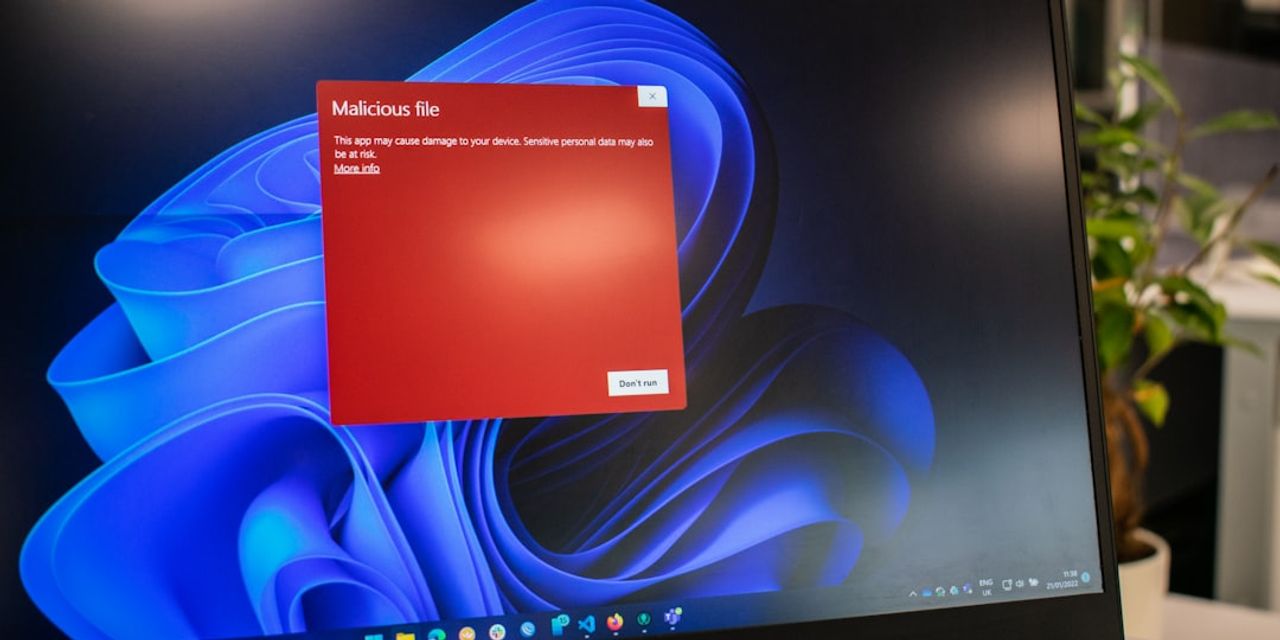
Windows administrators are reporting that the September 2026 security updates are causing Remote Desktop Services failures on Windows Server 2019, 2022 and 2025. According to BleepingComputer, affected users cannot establish RDS connections at all, and in some cases the server has to be hard reset before remote access works again.
That is the extent of what is confirmed publicly as of today, September 11. The reporting does not spell out which specific update KBs are implicated on each OS version, whether every RDS role configuration is affected, or when a fix or out-of-band update will land. So rather than guess, we are treating this as a "verify in your own environment" situation: check your patch rings, check your RDS hosts, and confirm your remote access path still works before your staff finds out for you on Monday morning.
Why this matters for Pittsburgh small and mid-sized businesses
For a 10 to 200 person firm in the region, Remote Desktop Services is rarely a nice-to-have. It is usually the front door to the one application that cannot move to the cloud. We see this constantly: the CPA firm whose tax software lives on a terminal server so seasonal preparers and remote staff can share one licensed install. The law practice whose document management and time-and-billing platform runs on a session host because the vendor never shipped a real web client. The manufacturer in the Mon Valley whose ERP and shop-floor reporting front end is published through RDS to a handful of office PCs and a plant kiosk. The medical practice whose legacy imaging or practice-management app only behaves inside a controlled Windows session.
When RDS breaks, those businesses do not lose "some functionality." They lose the ability to bill, file, quote, or chart. And because a hard reset may be involved, the recovery is not a quiet background fix. It is a mid-day reboot of a server that a dozen or more people are sitting on, which means saved work at risk and a queue of frustrated users.
There is a compliance edge here too. For defense contractors working toward or maintaining CMMC Level 2, and for healthcare and financial firms under HIPAA, FTC Safeguards or SOC 2 expectations, patching is not optional and neither is documenting what you did. You cannot simply freeze updates indefinitely because one of them misbehaves. Auditors will ask how you evaluated the update, what you deferred, why, for how long, and what compensating controls you had in place. "We turned patching off in September and forgot" is a finding. A dated, approved deferral with a review date is not.
The other thing worth naming: when remote access dies, people improvise. They forward files to personal email, work off a home laptop that has never been enrolled, or share credentials so someone else can get in. That improvisation is how a patching hiccup turns into a ransomware incident or a reportable data exposure. The outage is the annoyance. The workaround is the risk.
What to do about it this week
- Inventory every Windows Server 2019, 2022 and 2025 host that provides remote access. Include session hosts, RD Gateway, connection brokers, licensing servers, and any single "do everything" server quietly running the RDS role. If your inventory is a spreadsheet someone last touched a year ago, this is the week to fix that.
- Confirm which September updates have already installed. Compare against your patch rings and check whether any RDS host rebooted overnight. If your patch management tooling can report installed KBs per host, pull that report today rather than logging into servers one at a time.
- Test an actual remote session end to end from outside the office. Not a ping, not an RDP port check. A real login, opening the real line-of-business application, from a network you do not control. Have one person per department do it and report back.
- Pause or stage further September deployment on RDS hosts only, with a documented review date. Keep patching everything else. Set the review for no later than early October so this does not silently become a permanent exception, and write down who approved it.
- Verify your fallback path before you need it. If RDS goes down, how do people work? Direct VPN to a workstation, a published web app, a secondary session host, or nothing at all? Know the answer now, and confirm your backups of the RDS host are recent and actually restorable.
- Tell your staff what to do and what not to do. A two-sentence note beats silence: if remote access fails, contact the help desk, do not email client files to a personal account, do not share logins. Put it in writing so it is also a control you can point to later.
- Watch for Microsoft's follow-up and re-test after it ships. When a fix or revised update is published, apply it to one host, re-run the same end-to-end test, then roll forward. Log the dates. That log is what turns a bad week into evidence of a working process.
If your firm is also evaluating Microsoft 365 or looking at whether those legacy RDS-bound applications belong on a session host at all in a couple of years, this is exactly the conversation a vCIO should be having with you on the technology roadmap, not something to sort out during an outage.
How we help
PGH Networks manages patching, remote access, and server health for small and mid-sized firms across the Pittsburgh region, including regulated environments where every deferral has to be documented. We test updates in rings, monitor RDS availability rather than waiting for a phone call, and keep your compliance evidence current while we do it. If you are not certain whether your session hosts already took the September updates, or whether you would even know before your users did, let's find out together. Call us at 724.888.7007 or reach us through the contact form and we will review your remote access posture.
Related reading

22,000 Exchange Servers Still Exposed: What Pittsburgh SMBs Should Do
Nearly 22,000 unpatched Exchange servers face a mailbox-hijacking auth bypass. What Pittsburgh SMBs running hybrid Exchange should check and fix this week.

IT Support for CPA and Accounting Firms in Pittsburgh
How a Pittsburgh CPA firm hardened Lacerte, UltraTax CS, and CCH ProSystem fx for GLBA and IRS Publication 4557, with 24/7 tax-season support from PGH Networks.

Choosing an MSP for a Pittsburgh Law Firm
How Pittsburgh law firms should evaluate a managed service provider: ABA 477R duty of competence, legal-app expertise, 24/7 security, and local response.