
Vishing Attack Targets Microsoft 365 via Fake Entra Passkey Enrollment
What happened
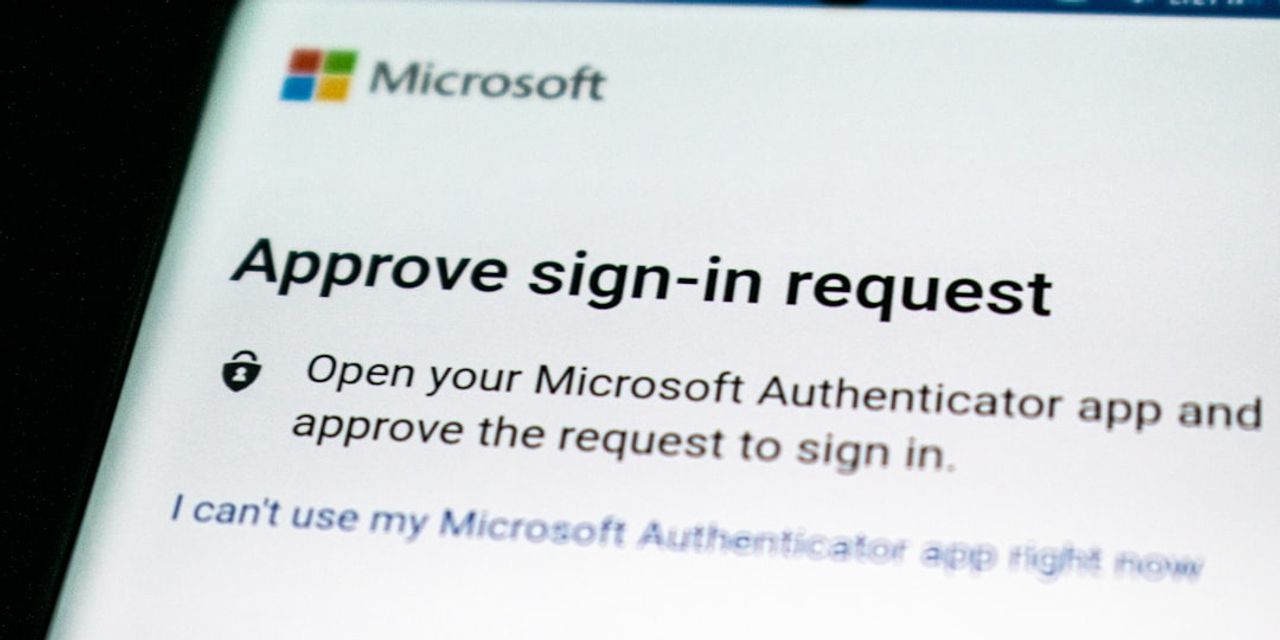
A threat actor tracked as O-UNC-066 is running an active voice-phishing (vishing) campaign that targets Microsoft 365 tenants by abusing the Microsoft Entra passkey enrollment flow. According to reporting from The Hacker News via feeds.feedburner.com, attackers call employees posing as internal security or IT staff and walk them through what looks like a legitimate passkey setup — but the passkey being enrolled is controlled by the attacker.
The campaign uses a panel-controlled phishing kit purpose-built to intercept the passkey enrollment process, and it's already hit organizations across multiple sectors. Once the rogue passkey is registered against a user's account, the attacker has durable, MFA-strong access to Microsoft 365 and can pivot toward data theft and extortion. Additional technical indicators (specific domains, kit details, or Okta's full IOC list) should be verified directly against the source reporting and your security vendors before you build detections.

Why this matters for Pittsburgh SMBs
If your business runs on Microsoft 365 — and for our CPA, legal, healthcare, financial services, professional services, manufacturing, and defense-contractor clients, virtually all of you do — this attack lands squarely on infrastructure you use every day. A few reasons it deserves attention this week rather than next quarter:
- Passkeys are supposed to be the "good" MFA. Most security guidance (including ours) has been pushing organizations toward passkeys and away from SMS and push-based MFA. This campaign doesn't break passkeys; it exploits the enrollment moment — the one time a user is expected to add a new credential. That's a social-engineering gap, not a cryptographic one.
- SMBs are the sweet spot. Companies with 10–200 employees typically don't have a 24/7 SOC, and staff know each other well enough that a friendly "IT security" phone call feels normal. That's exactly the profile this actor is exploiting.
- The compliance blast radius is real. A single compromised M365 account can touch PHI (HIPAA), client trust data (SOC 2, bar association obligations), client financials (FTC Safeguards for CPAs and financial firms), or CUI (CMMC Level 2 for defense contractors). A rogue passkey giving persistent mailbox and SharePoint access is a reportable incident in most of those frameworks.
- Extortion, not just theft. The reporting frames this as a data-extortion operation. That means even shops without traditional ransomware exposure — small law firms, accounting practices, specialty manufacturers — are on the target list because their data is embarrassing or regulated enough to pay for.
What to do about it this week
You don't need to wait on a big project to blunt this. A focused week of work gets you most of the value:
- Audit every passkey and FIDO2 credential currently registered in Entra ID. In the Microsoft Entra admin center, review authentication methods per user and flag any passkey enrolled in the last 30–60 days that the user can't personally confirm. Anything unrecognized: revoke, then force credential reset and sign-out of all sessions.
- Restrict who can self-enroll passkeys, and from where. Use Entra's Authentication Methods policy to scope passkey registration to trusted network locations, compliant devices, or a specific security group during registration windows — not "any user, any time, any device."
- Require a Temporary Access Pass (TAP) or verified in-person step for new passkey enrollment. If a user needs a new passkey, they should get a short-lived TAP from a known-good admin channel, not from an inbound phone call. This alone defeats the vishing playbook.
- Brief every employee — by name, this week — on the exact script. Tell them: "IT will never call you and walk you through adding a new sign-in method. If someone does, hang up and call us back at our published number." Short, specific, memorable beats an annual training video.
- Turn on alerts for authentication method changes. Configure Entra ID / Microsoft 365 alerts (or your SIEM) to notify on new passkey, FIDO2 key, or authenticator registrations, especially for privileged accounts, executives, finance, and anyone with access to regulated data.
- Re-verify Conditional Access. Confirm you're requiring compliant or hybrid-joined devices for M365 access where feasible, and that legacy authentication is fully blocked. A rogue passkey is much less useful if it can't be presented from an unmanaged device.
- Rehearse the "we think an account is compromised" response. Who revokes sessions? Who pulls sign-in logs? Who notifies clients or your compliance officer? A 30-minute tabletop this week is worth more than a polished IR plan you've never opened.
How PGH Networks helps
This is exactly the kind of threat we watch for on behalf of our clients across Pittsburgh and Western PA. If you're a PGH Networks managed services or co-managed client, our team is already reviewing Entra authentication method inventories, tightening passkey registration policy, and tuning alerting for the indicators tied to this campaign — mapped to your HIPAA, SOC 2, FTC Safeguards, or CMMC obligations as applicable. If you're not a client yet and you'd like a second set of eyes on your Microsoft 365 tenant before the phone rings, call us at 724.888.7007 or reach out through the contact form and we'll walk you through a focused Entra and M365 security review.
Related reading

Warlock Ransomware and the SharePoint Server Risk for SMBs
Warlock is exploiting SharePoint flaws to kill security tools and deploy ransomware. What Pittsburgh SMBs running SharePoint Server should check this week.
Executive Phishing Is Stealing Microsoft 365 Sessions
A US-focused phishing campaign steals Microsoft 365 sessions and installs remote-access tools. What Pittsburgh SMBs should verify and fix this week.

CISA Flags Exploited SharePoint and MikroTik Flaws
CISA added actively exploited Microsoft SharePoint and MikroTik RouterOS flaws to its KEV catalog. What Pittsburgh SMBs should verify and patch this week.