
Executive Phishing Is Stealing Microsoft 365 Sessions
What happened
Researchers at ANY.RUN have documented a phishing campaign tracked as CSuite that is aimed squarely at executives at US organizations. According to reporting picked up via feeds.feedburner.com, the campaign was observed across 351 sandbox analyses, with 51% of submissions originating in the United States. Technology, manufacturing, government, and consulting organizations showed the highest exposure.
What makes CSuite worth your attention is the combination. Instead of only harvesting a password, the campaign steals Microsoft 365 sessions and pairs that with the deployment of remote-access (RMM) tooling. That turns a single click by a busy executive into persistent access to mail, files, and the endpoint itself, which is the runway for account takeover and financial fraud. The public reporting does not enumerate every lure, domain, or specific RMM product involved, so treat those details as something to verify against your own logs rather than assume.
Why this matters for Pittsburgh-area SMBs
The targeting profile reads like a client list from our region. Manufacturing and consulting are two of the named high-exposure verticals, and Western Pennsylvania is thick with both: shops in the Mon Valley and along the 79 corridor, engineering and consulting firms downtown, plus the accounting, legal, and financial services practices that sit alongside them. If you are a 10-to-200-person company, your CEO, CFO, or managing partner almost certainly has mailbox access, banking authority, and signature authority in the same identity.
Session theft is the part most owners underestimate. A stolen session token can let an attacker ride an already-authenticated Microsoft 365 connection, which means multifactor authentication prompts may never fire again. We regularly see SMBs assume "we turned on MFA, we're covered." MFA is necessary and not sufficient here. What stops token replay is conditional access, device compliance, shorter session lifetimes, and sign-in risk detection inside your tenant.
The RMM angle raises the stakes in a different direction. Remote-access agents are trusted software. They are quiet, they are designed to persist, and in many small environments nobody is watching for a second, unauthorized remote-control tool showing up next to the legitimate one. For defense contractors handling CUI, that is a controlled-access and incident-reporting problem under DFARS 7012 obligations, not merely an IT annoyance. For healthcare and CPA firms, an attacker sitting in the managing partner's mailbox during a busy filing or billing cycle is a textbook path to a wire-fraud loss and a HIPAA or FTC Safeguards notification analysis you do not want to run.
One more wrinkle worth naming as we head into the fourth quarter of 2026: executives are increasingly connecting AI assistants to mailboxes and document libraries. A compromised session can inherit that reach. If Copilot or any AI tool is live in your tenant, its permissions belong in this conversation.
What to do about it
A practical week's worth of work, in priority order:
- Hunt for unauthorized remote-access tools. Inventory every RMM, remote-control, and screen-sharing agent installed across your endpoints, and compare it against the short list you actually approved. Anything else gets blocked and investigated. Application control or allowlisting for this category pays for itself.
- Audit Microsoft 365 sign-in and session activity for your executives. Look for impossible-travel sign-ins, unfamiliar IP ranges, new device registrations, and consented OAuth applications. Revoke active sessions for any account you cannot fully explain, and force re-authentication.
- Tighten conditional access so tokens are worth less. Require compliant or hybrid-joined devices for mail and file access, shorten session lifetimes for privileged and executive accounts, and block legacy authentication protocols outright if you have not already.
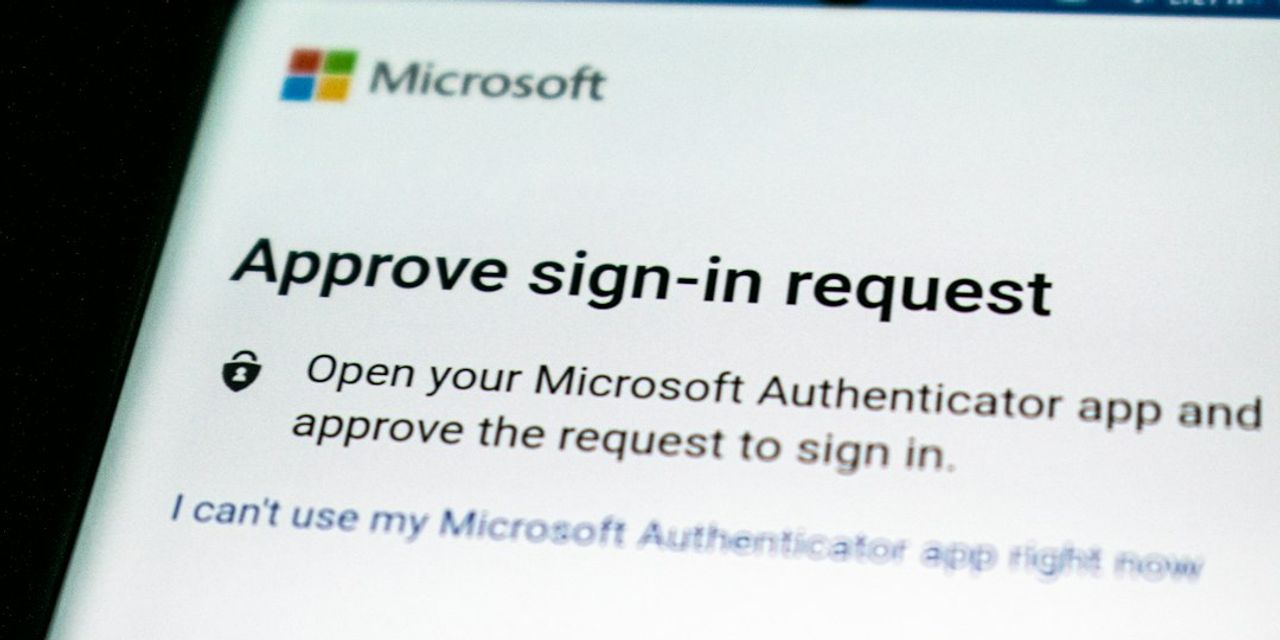
- Move executives to phishing-resistant MFA. Hardware security keys or passkeys for the leadership team and every global administrator. Push-notification approval is the weakest link on that tier of account.
- Check your mailbox rule and forwarding alerts. Confirm you are alerted on new inbox rules, external auto-forwarding, and mailbox delegation changes, and that the alert reaches a human who will act on it same-day, not a shared inbox nobody reads.
- Re-test your out-of-band payment verification. Every wire, ACH change, and vendor banking update gets confirmed by phone to a known number. Rehearse it with your finance staff so a "quick approval" email from the boss's real address does not override the process.
- Review AI and app permissions in the tenant. Document which AI assistants, connectors, and third-party apps can read mail and files, and whether your acceptable-use policy reflects reality. If you are planning a Copilot rollout, do the permissions cleanup first.
None of these require a capital project. They require somebody to own them and close the loop.
How we help
PGH Networks handles exactly this stack for small and mid-sized Pittsburgh businesses: identity hardening and conditional access in Microsoft 365, managed detection and response on endpoints and mailboxes through our cybersecurity practice, controlled RMM and patch management so unauthorized remote tools stand out immediately, and vCIO-led technology roadmap work that keeps compliance evidence ready for HIPAA, SOC 2, CMMC, and FTC Safeguards reviews. If you are not certain who would notice an executive session takeover in your environment, that is the gap to close.
Want a second set of eyes on your tenant and endpoint inventory? Call us at 724.888.7007 or reach out through the contact form and we will walk your leadership team through what we find.
Related reading

Warlock Ransomware and the SharePoint Server Risk for SMBs
Warlock is exploiting SharePoint flaws to kill security tools and deploy ransomware. What Pittsburgh SMBs running SharePoint Server should check this week.

CISA Flags Exploited SharePoint and MikroTik Flaws
CISA added actively exploited Microsoft SharePoint and MikroTik RouterOS flaws to its KEV catalog. What Pittsburgh SMBs should verify and patch this week.

Passkey Phishing Is Now Targeting Microsoft 365 Tenants
Microsoft disclosed passkey-themed phishing and CEO fraud campaigns hitting cloud tenants. Here is what Pittsburgh SMBs should verify in M365 this week.