
Video Conferencing Solutions in Pittsburgh
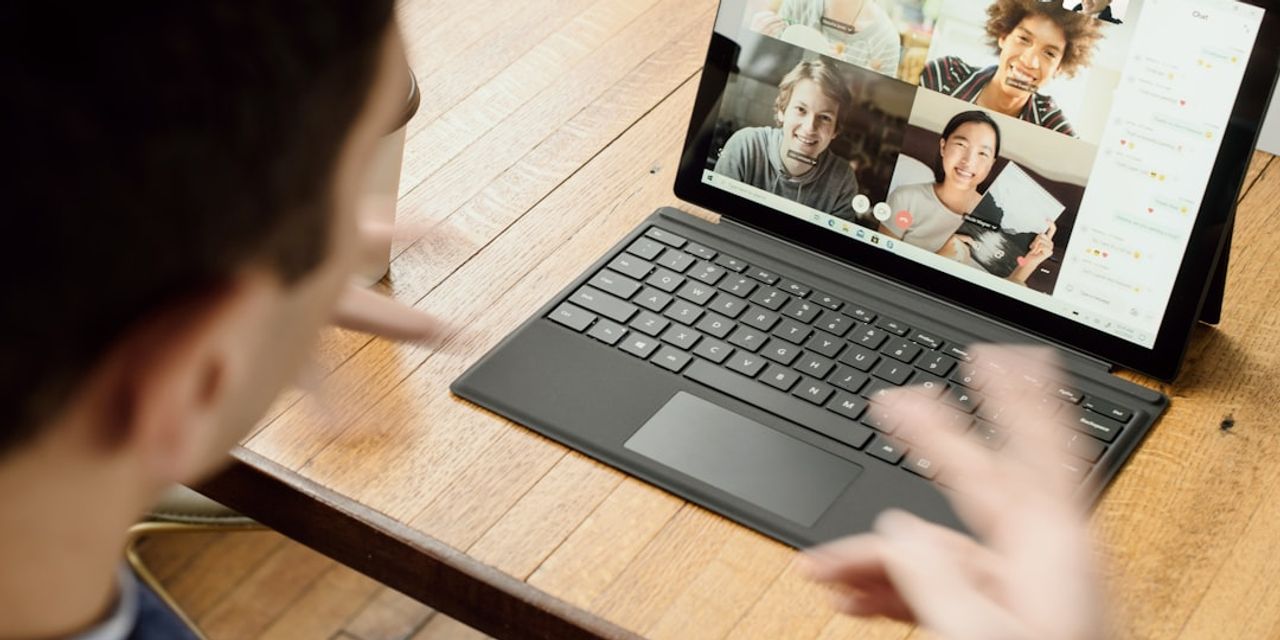
If your meetings drop calls, echo, or waste the first ten minutes fighting a TV remote, you don't need another demo, you need a partner who will scope the room, tune the network, and stand behind the result. This page walks through the exact process we use to deliver video conferencing solutions in Pittsburgh for small and mid-market employers, from a single huddle room in the Strip District to a dozen rooms across Cranberry, Southpointe, Monroeville, and Robinson.
The goal is simple: meetings that start on time, sound clear, look professional to clients, and stay secure enough to satisfy your auditors.
Who this process is for
This is built for Pittsburgh-region operations, finance, and IT leaders who own the meeting experience but don't want to become AV integrators. Typical fits include professional services firms in the Golden Triangle, healthcare groups with HIPAA obligations, manufacturers along the I-79 corridor, and DoD suppliers working toward CMMC Level 2 who need conference rooms that won't leak CUI. If you run 10 to 500 employees and want one accountable vendor for rooms, licensing, network, and support, keep reading.
A conference room is a network endpoint first and a piece of furniture second, and it should be managed that way.
Step 1: Assess rooms, users, and network
We start with a walkthrough, either on-site within 75 miles of 15220 or by video. We measure each room, note ceiling height and lighting, count seats, and check the existing display, table cable pass-throughs, and wall plates. In parallel we look at how your teams actually meet today, which platforms clients expect you to join, and where the friction lives. We also test the underlying network, because most "video problems" are really QoS, Wi-Fi, or ISP problems.
- Room-by-room inventory and photos
- Platform usage audit (Teams, Zoom, Webex, Google Meet)
- Wired and wireless throughput, jitter, and packet-loss tests
- Firewall, SD-WAN, and ISP review
Step 2: Design the room and platform stack
Next we match hardware to the room. Huddle spaces get an all-in-one bar. Standard conference rooms get a modular camera, mic, and codec pairing sized to the table. Boardrooms get dual-display, ceiling mics, and PTZ cameras with speaker tracking. On the software side we standardize on Microsoft Teams Rooms or Zoom Rooms based on where your users already live, and we align licensing with your existing Microsoft 365 tenant so identity, calendars, and security policies carry through.
TL;DR: We pick room hardware to match the space and standardize the platform to match your existing identity and licensing, not the other way around.
Step 3: Deploy, integrate, and secure
Our team handles cabling, mounting, provisioning, and integration with your calendar and directory. Every room joins the domain, receives its own service account with least-privilege access, and reports into our monitoring stack. Because a camera and mic in every room is also a security surface, we apply the same cybersecurity controls we use elsewhere: EDR on the room PC where applicable, network segmentation, firmware baselines, and disabled USB paths you don't need. For regulated clients we map controls to HIPAA, NIST 800-171, or SOC 2 under our compliance practice, and document the room as an in-scope asset.
- VLAN segmentation and QoS marking
- SSO, conditional access, and MFA on room accounts
- Firmware and certificate lifecycle management
- Recording and retention policies mapped to your regulator
Step 4: Train users and enable AI meeting workflows
Adoption is where most video conferencing projects quietly fail. We run short, role-based sessions for executives, admins, and general staff, and we leave one-page room cards on every table. This is also where our AI advisory work pays off: we help you turn on Copilot meeting recaps responsibly, wire transcripts into your CRM or matter-management system, and set an acceptable-use policy so recordings and summaries don't wander. Clients with heavier requirements often move next to a custom AI application that routes action items from meetings into project tools automatically.
Step 5: Manage, monitor, and improve
Once rooms are live, they join our managed IT service. RMM agents watch the room PC and peripherals, patch management keeps firmware current, and our help desk answers when a user calls two minutes before a board meeting. Every quarter your vCIO reviews meeting quality metrics, license utilization, and upcoming room needs so budget conversations are grounded in data instead of guesswork.
Why PGH Networks
We are a Pittsburgh-based MSP, not a national reseller shipping you a box. Technicians dispatch from the South Hills and cover the metro from Beaver to Greensburg. We hold deep benches in Microsoft 365, cybersecurity, and a growing AI workflow automation practice, which means your video conferencing solutions in Pittsburgh sit inside a coherent IT strategy instead of bolted on the side. For regulated buyers, we already carry the compliance muscle: DFARS 7012 for defense suppliers, HIPAA for healthcare, and documented change control for finance.
Next steps
Send us your room list and a rough headcount and we will come back with a fixed-scope assessment, usually within a week. Call 724.888.7007 or reach us through the contact form to get on the calendar.
Related reading

Hosted Phone System Pittsburgh
Looking for a hosted phone system in Pittsburgh? PGH Networks delivers cloud VoIP with local support, HIPAA-ready configs, and AI-assisted call workflows.

How to Find a Stolen Phone: A Pittsburgh IT Guide
A practical Pittsburgh-based guide on how to find a stolen phone, lock it remotely, protect business data, and prevent the next incident.

Business Collaboration Solutions in Pittsburgh
Compare business collaboration solutions in Pittsburgh. See where most providers fall short on Teams, security, and AI workflows, and what to look for instead.